AI PCs vs Cloud AI: Which Wins for Power Users in 2026?
A head-to-head look at how on-device AI PCs stack up against cloud-based AI for performance, privacy, and cost in 2026 power-user workflows.
By Alex Mercer · 8 min read ·

Quick Answer
AI PCs win for privacy-sensitive, latency-critical, and offline work, while cloud AI remains necessary for frontier-scale models and shared infrastructure. For power users in 2026, the practical answer is a hybrid stack: run routine inference locally and reserve cloud capacity for workloads that exceed laptop memory, context, or model-quality limits.

Introduction
An AI PC is no longer just a laptop with a marketing badge. Its NPU, GPU, and CPU divide local AI work so developers can transcribe, summarize, classify, and run compact models without sending every prompt to an API. Cloud AI still has the upper hand when the job requires a frontier model, large context windows, centralized governance, or team-wide deployment. The mistake is treating local and cloud inference as interchangeable compute, the same workload-placement question covered in edge versus cloud computing for AI.
Key Takeaways
Local inference reduces network dependence and keeps sensitive prompts on the device.
Cloud services remain necessary for the largest models and elastic multi-user workloads.
A hybrid workflow gives power users better control over cost, latency, and data handling.
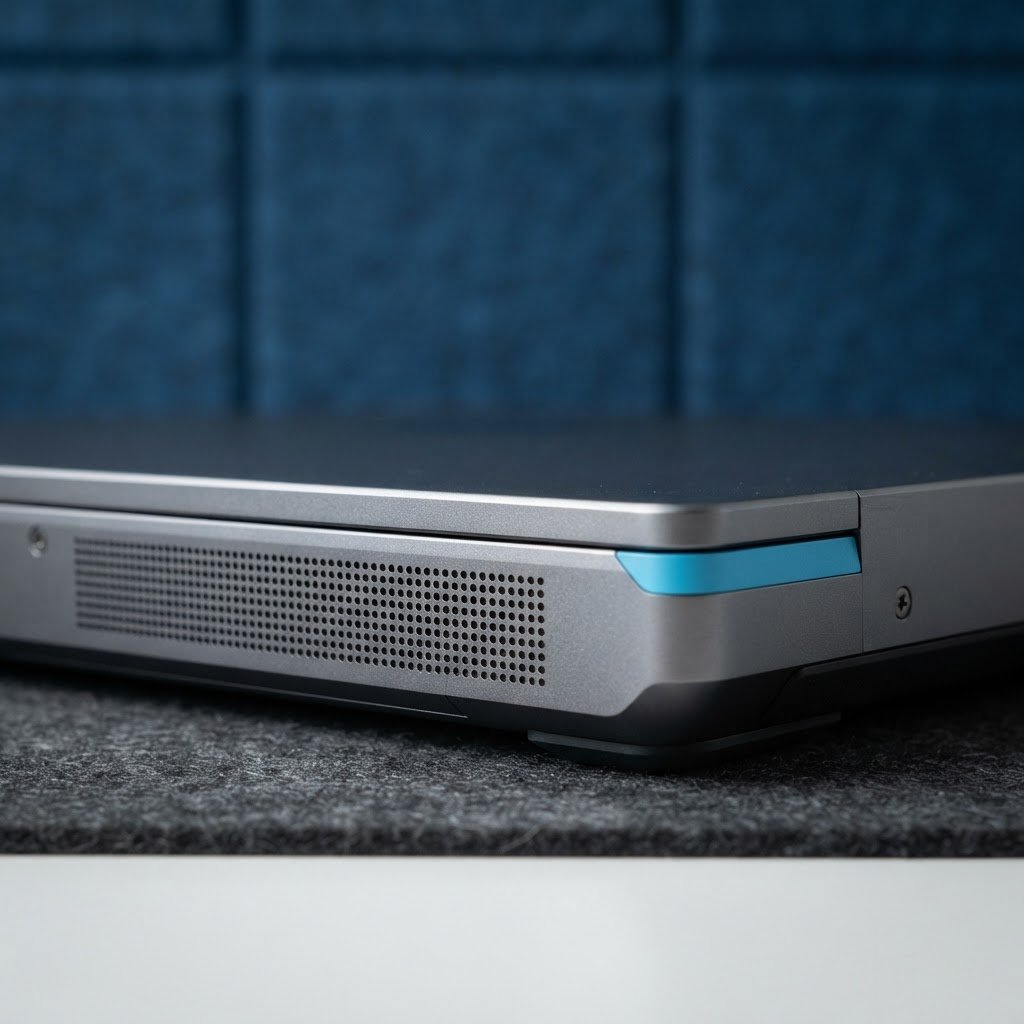
AI PC vs Cloud AI: The Architectural Divide
The central difference is where inference happens. An AI PC performs inference on hardware under your control, while cloud AI sends requests to remote infrastructure that returns a result over the network. That distinction changes response time, data exposure, reliability during travel, and the ongoing economics of high-volume use.
What the NPU changes in an AI laptop
NPUs are specialized accelerators designed to execute neural-network operations efficiently without making the CPU handle every task or keeping a discrete GPU active. Microsoft states that Copilot+ PCs use an NPU to enable on-device experiences and all-day battery life, with Windows 11 support spanning Qualcomm, Intel, and AMD devices. This is the useful definition of support for NPU developers: a supported local accelerator is only valuable when the operating system and application runtime can target it.[1]
CPU: Handles orchestration, application logic, and general-purpose work.
GPU: Handles parallel compute and larger local model workloads.
NPU: Runs supported neural tasks with lower sustained power draw.
Memory: Determines which local models fit without aggressive compression, the same sizing question covered in small versus large AI models.
Runtime: Determines whether software can actually use available accelerators.
Why cloud AI remains structurally different
Cloud AI is not simply a faster version of local inference. It provides remote model serving, centralized updates, pooled hardware, and the ability to invoke models too large to run comfortably on a portable machine. Its tradeoff is dependency: every request relies on connectivity, provider availability, data-routing choices, and an API pricing model where inputs and outputs consume compute resources.
The economics matter most when usage is sustained. For example, a frontier-model query might cost a fraction of a cent, but the economics of cloud AI change when long contexts or large request volumes turn per-token pricing into a recurring operational line item.[2] Every input and output must cover compute, memory bandwidth, power, and hardware amortization, and visible API token prices do not always cover those costs for long-context or high-volume workloads. Local inference shifts that marginal cost toward the device already purchased, although it does not make hardware, energy, or model maintenance free. The same tradeoff shapes decisions about where data is kept, whether in cloud or local storage. Model fit also changes over time: a model with borderline on-device quality today may be clearly sufficient in 12 months.

AI PC Performance, Security, and Cost in Real Workflows
The AI PC versus traditional laptop performance question is really a workload-placement question. A conventional machine can call cloud APIs, but an AI-optimized system can execute supported inference locally, preserving responsiveness when the network is poor or unavailable. That is especially relevant for developers, analysts, and operators who repeatedly process private notes, source code, support logs, or meeting material.
Where local inference earns its place
On-device AI works best when the model can fit on the machine and the task is repeatable. Examples include speech-to-text, retrieval over a private document set, code completion from a compact local model, image tagging, structured extraction, and agent steps that do not need a frontier model. The value comes from keeping routine work close to the user, not from pretending every local model matches cloud quality.
Latency and thermals still impose limits, and the two hardware classes behave very differently under sustained load. A 2026 cross-platform benchmark of edge LLM inference found that a battery-powered laptop with an NVIDIA RTX 4050 GPU sustained 131.7 tokens per second while running under a soft power ceiling of roughly 35 W, about 45% of the GPU's rated 75 W TGP, with no thermal throttling observed. A separate low-power configuration, a Raspberry Pi paired with a Hailo-10H NPU module, ran at a different power class entirely: under 2 W average system draw, with a highly deterministic prefill time of 1,287 ± 1 ms and near-zero throughput variance across 20 runs, though at a much lower 6.9 tokens per second. Sustained inference at the edge therefore depends on which hardware class and power budget a workload actually runs under, not on a single benchmark burst.[3]
For security, local processing can reduce the amount of raw material leaving the endpoint. That is a meaningful advantage for confidential drafts and proprietary code, but it does not eliminate risk: device access controls, encrypted storage, model provenance, logging, and endpoint management still determine whether the workflow is defensible, the same discipline covered in cybersecurity versus AI-powered threats.
Direct comparison for power users
The table separates capabilities that genuinely differ rather than treating either approach as a universal replacement. Cost details vary by provider and configuration, so the useful comparison is the operating model rather than invented price points.
Decision factor | AI PC | Cloud AI | Operational implication |
|---|---|---|---|
Inference location | On the endpoint | Remote infrastructure | Local work avoids a round trip. |
Connectivity | Can operate offline | Requires network access | Cloud tools are exposed to connection failures. |
Model scale | Bounded by device resources | Provider-managed infrastructure | Large workloads remain cloud-oriented. |
Data path | Prompts can remain local | Requests leave the device | Governance rules shape the acceptable choice. |
Cost model | Hardware-led marginal cost | Usage-led API cost | Volume changes the economic outcome. |
Updates | Local deployment cycle | Provider-served updates | Teams trade control against operational simplicity. |
The decisive tradeoff is control versus scale. An AI laptop gives the user control over local execution and data residency, while cloud AI gives teams access to centrally managed model capacity that an endpoint cannot replicate.
How to build a hybrid deployment strategy
Enterprises should classify AI PC tasks before buying hardware or standardizing APIs. Put low-risk, high-frequency, latency-sensitive tasks on the endpoint; route complex generation, large-context reasoning, and shared production services to the cloud; then log the boundary between the two. Intel, AMD, Qualcomm, and Apple Silicon all matter because their accelerators shape what can run locally, but platform support and application compatibility matter more than a chip logo.
These shifts are product and infrastructure decisions, not a new device category to buy blindly. For founders, the practical question is whether local execution reduces a measurable friction in a workflow, such as disconnected use, sensitive-data handling, or repetitive API calls.

Conclusion
AI PCs are the stronger fit for offline assistance, privacy-conscious processing, responsive small-model inference, and repetitive tasks when the model fits the device and local deployment is properly managed. Cloud AI wins the work that needs frontier-scale model capability, broad shared access, or centralized service operations. For power users, TechBriefed's verdict is clear: buy NPU-capable hardware when local workflows are real, then keep cloud AI as the escalation path for jobs the device cannot responsibly handle. A hybrid stack is not a compromise; it is the operational design that matches the technology.
Need concise reporting on the infrastructure decisions behind AI products? Follow TechBriefed for practical technology analysis.
Frequently Asked Questions (FAQs)
What is an AI PC?
An AI PC is a computer with hardware and software designed to run supported AI tasks locally, commonly using a CPU, GPU, and neural processing unit rather than relying entirely on remote services.
How does an NPU improve computer performance?
An NPU improves computer performance by handling supported neural-network operations efficiently, which can reduce pressure on the CPU and GPU while enabling local AI features with lower sustained power use.
Can AI PCs run large language models offline?
AI PCs can run some large language models offline when the model fits available memory and supported runtimes, but the largest frontier models remain dependent on remote infrastructure.
Is an AI PC worth the investment for software engineers?
An AI PC is worth the investment for software engineers who regularly need offline coding assistance, private local analysis, or repeated compact-model inference that would otherwise require cloud requests.
What are the benefits of on-device AI versus cloud AI?
On-device AI offers lower network dependence, more direct control over prompt data, and immediate local execution, while cloud AI provides access to models and infrastructure beyond endpoint capacity.
Is local AI processing more secure than cloud computing?
Local AI processing can be more secure for sensitive prompts because data may remain on the device, but endpoint security, storage encryption, access policies, and model controls still determine the outcome.
Sources
- Copilot+ PCs developer guide — learn.microsoft.com ↩
- On-Device AI vs Cloud AI: Why the Economics Are Shifting — MindStudio ↩
- LLM Inference at the Edge: Mobile, NPU, and GPU Performance Efficiency Trade-offs Under Sustained Load — arxiv.org ↩
About the author

 Edge Computing vs Cloud Computing: Which Wins for AI in 2026
 What Is Cloud Computing? A Beginner’s Guide for 2026
 Cloud Storage vs Local Storage: Which Wins in 2026?
 Best Cloud Billing Automation Tools Compared for Startups